Advanced aesthetics
For clinics and teams that need context around every appointment.
- Scheduling and clients
- Records and photography
- Services and finances
Service management, without the noise
Organize scheduling, clients, services, and payments in one continuous experience built for your team's day-to-day work.
Choose your segment during sign-up. No card on the free plan.
Built for your segment
The segment selected during sign-up guides the vocabulary, modules, and forms available in the product.
For clinics and teams that need context around every appointment.
For dental teams that need history and operations in the same system.
For teams coordinating professionals, services, and commissions.
For nail, brow, waxing, and basic aesthetics studios.
The Nuve One flow line
Four moments already present in your day, connected in an order that is easy to understand and use.
See the day, the team, and available time slots.
Keep profile, history, and context in one place.
Connect the appointment to the service and professional.
Record amounts and follow the financial operation.
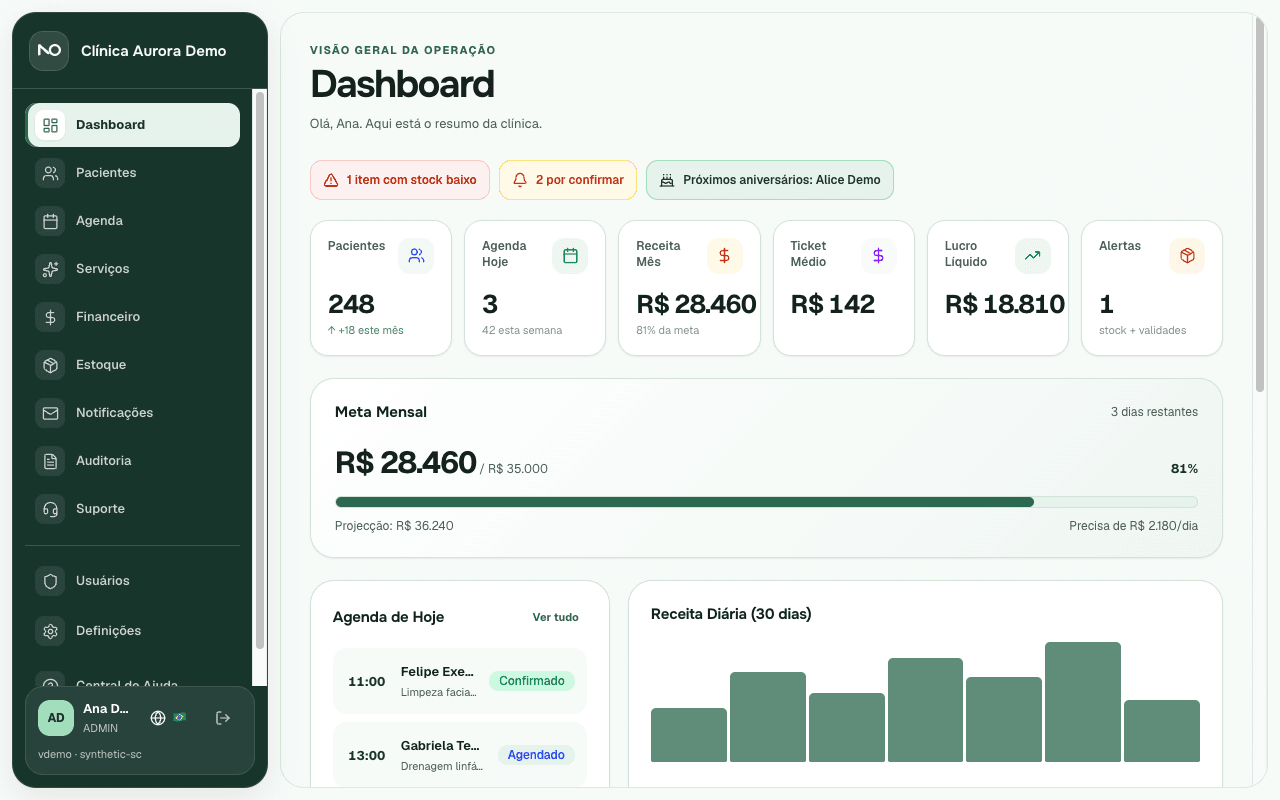
The real product
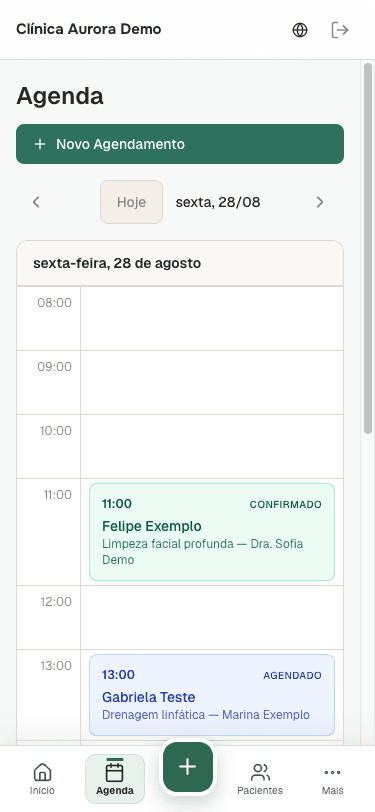
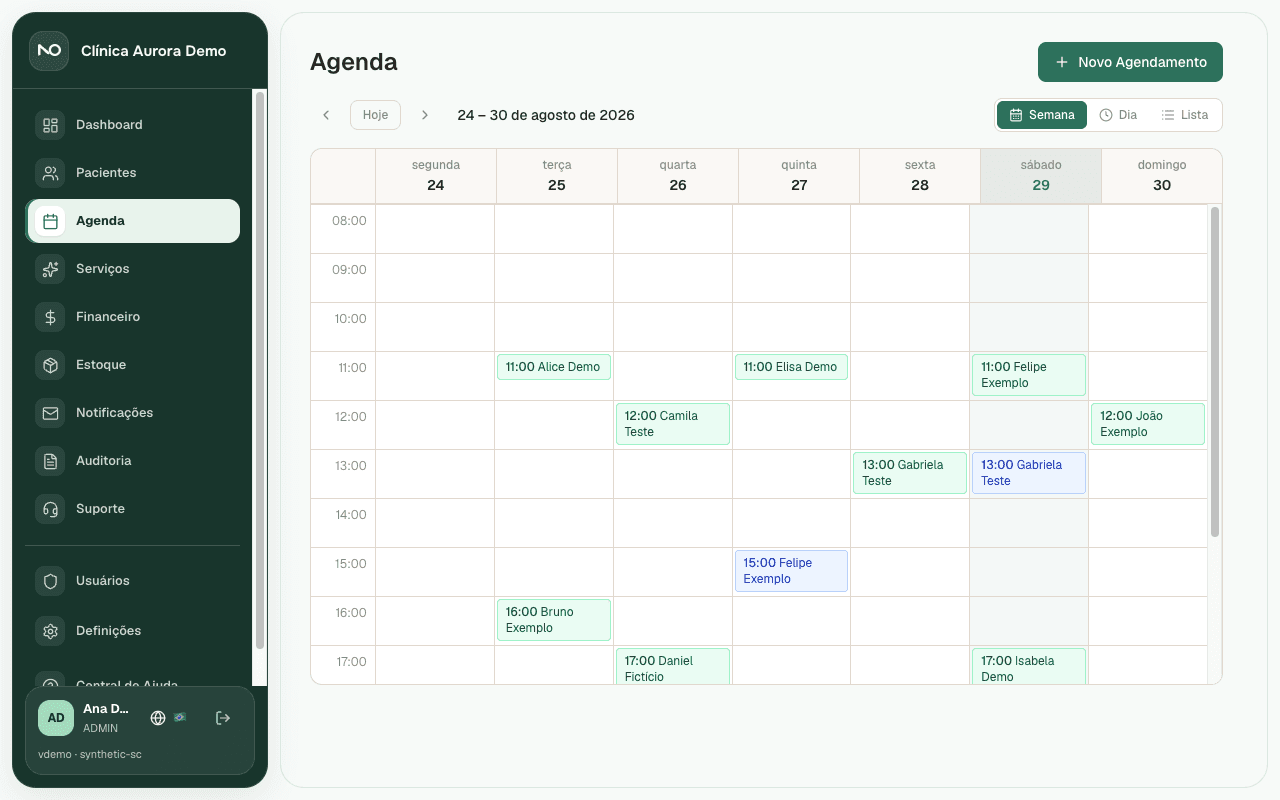
The selector uses current Nuve One screens. Images have not been recolored or edited to imply that the internal interface has already changed.
Schedule: Real product screen


Getting started
Start with the business context, configure the essentials, and move into the daily work.
Nuve One uses this choice to adapt vocabulary, modules, and forms.
Add your team, services, prices, and the data needed to start.
Use scheduling, clients, services, and finances without switching context.
Pricing
All plans include hosting, backups, updates, and support in Portuguese and Spanish. Prices in EUR, VAT not included.
Try with no commitment
€0
For businesses getting started
€29/mo
Most popular
For growing teams
€59/mo
For established businesses
€99/mo
Need more? The Enterprise plan offers unlimited professionals, dedicated SLA, and assisted migration. Contact us.
FAQ
Plans, segments, and operations explained without fine print.
Yes. The Free plan is permanent for 1 professional and up to 50 clients, with no card. Starter and Professional include a 14-day trial.
Yes. During sign-up you choose aesthetics, dental, salon, or beauty. That choice adapts the available vocabulary, modules, and forms.
Access is authenticated and associated with the user's clinic. Product routes apply access controls, and public communication uses HTTPS.
It is a public page where clients can request a time without creating an account. You can share the link through your channels.
Yes. Cancellation is managed in the client panel. Currently available exports cover clients, payments, and expenses.
Yes. Scheduling, dashboard, clients, and other areas have responsive versions for mobile screens.
Assisted migration is available on the Enterprise plan. Contact us so we can assess the format and volume of your data.
Nuve One has a help center, in-product tickets, and email contact in Portuguese, Spanish, and English.
The next step
Create the account, choose the segment, and set up the essentials for your team.